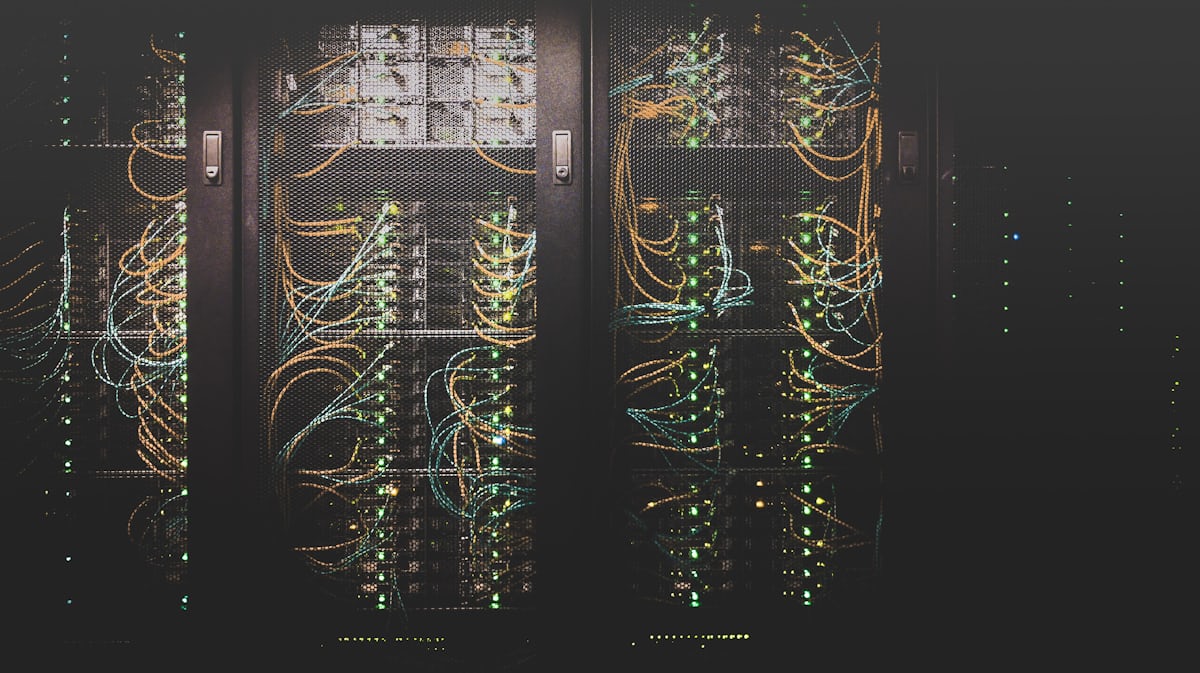
- Debian is what you run when you want a server you can forget about: legendary stability, minimal footprint, no vendor agenda, and security updates that never break production.
- This guide covers when Debian beats Ubuntu on a dedicated server, current-version strategy, and setup best practices.
There is a particular kind of sysadmin who, offered any OS in the world for a new Linux dedicated server, quietly types debian and moves on. Debian is the distribution large parts of the internet actually run on, the upstream Ubuntu is built from, chosen not for features but for what it refuses to do: break things. A Debian dedicated server patched on schedule will run for years without drama, which is the highest compliment server software can earn.
Why Debian for a Dedicated Server
- Stability as policy: packages enter Debian Stable only after extensive freezing and testing. Security updates patch vulnerabilities without version-bumping your stack out from under you.
- Minimal base: a fresh install runs fewer services and uses less RAM than almost any mainstream distro, smaller attack surface, more resources for your actual workload.
- No commercial agenda: community-governed, no forced snaps, no telemetry, no upsell nag. The system does what you configured and nothing else.
- Longevity: ~5 years of security coverage per release via LTS, with a famously smooth
apt full-upgradepath between major versions, many Debian servers have been upgraded in place across a decade.
Version Strategy in 2026
| Release | Status | Recommendation |
|---|---|---|
| Debian 13 (Trixie) | Current stable | Install on new servers |
| Debian 12 (Bookworm) | Oldstable, LTS coverage | Fine to keep running; plan upgrades at leisure |
| Testing/Sid | Rolling development | Never on a production dedicated server |
Need newer packages than Stable ships? Use official backports selectively (bookworm-backports) rather than third-party repos, you keep the stability contract for everything else.
Debian vs Ubuntu on a Dedicated Server
They share DNA, so the differences are cultural as much as technical. Choose Debian for maximum stability, minimalism, and infrastructure that should outlive trends: mail servers, DNS, databases, proxies, long-lived application hosts. Choose Ubuntu when you want newer packages on a predictable LTS cadence, commercial support as an option, or the biggest tutorial ecosystem for a junior team. Both are excellent; Debian simply changes less, less often, which on a server is a feature.
Setup Best Practices
- Start from the netinst image (or your provider's minimal template) and install only what you serve.
- SSH keys only, root login disabled,
nftables/ufw closed by default, the first hour matters most; our security checklist has the full sequence. - Enable
unattended-upgradespinned to the security repo, automated security patches with near-zero regression risk is Debian's superpower. - For web stacks: Debian 13 ships modern Nginx, MariaDB, and PHP; add the deb.sury.org repo only if you need a specific newer PHP than the archive provides.
Where Debian Quietly Runs the Internet
Part of the confidence in choosing Debian comes from noticing who already relies on it. It is the base layer beneath Ubuntu and dozens of derivative distributions, the default recommendation in countless self-hosting communities, and the operating system of choice for mail servers, DNS resolvers, monitoring hosts, and the unglamorous infrastructure that stays up for years between reboots. Container images default to Debian variants so often that many teams run it in production without consciously choosing it. This ubiquity has practical value for a dedicated server owner: security issues are found and patched quickly because so many eyes depend on the same packages, documentation exists for every corner case, and hiring or contracting someone who knows their way around a Debian system is never difficult. Choosing the distribution that everything else is built on is not conservatism for its own sake. It is positioning yourself where the most collective operational experience accumulates.
Frequently Asked Questions
Is Debian good for beginners on a dedicated server?
It is friendlier than its reputation, but Ubuntu's larger tutorial base helps newcomers more. If you follow guides verbatim, Ubuntu; if you read man pages, Debian will never surprise you.
Can I run control panels on Debian?
Plesk supports Debian fully; DirectAdmin likewise. cPanel does not, for cPanel you need AlmaLinux. Details in our panel comparisons.
Debian or AlmaLinux for a long-lived server?
Both target the same virtue. Deciding factors are ecosystem: apt vs dnf skills on your team, and whether any required software (cPanel, certain enterprise agents) mandates the RHEL family.
Why do providers charge the same for every Linux OS?
Because they are all license-free, the OS line on a Linux dedicated server quote should always be $0. If it is not, ask why.
Deploy a Debian dedicated server at WebsNP, current stable, minimal install, full root, NVMe standard. Prefer we harden it first? Ask about our managed setup.
Ready to get started with WebsNP Dedicated Servers?
100% bare-metal performance with full root access and NVMe SSD, dedicated servers starting from $18/month.
View Dedicated Server Plans →