
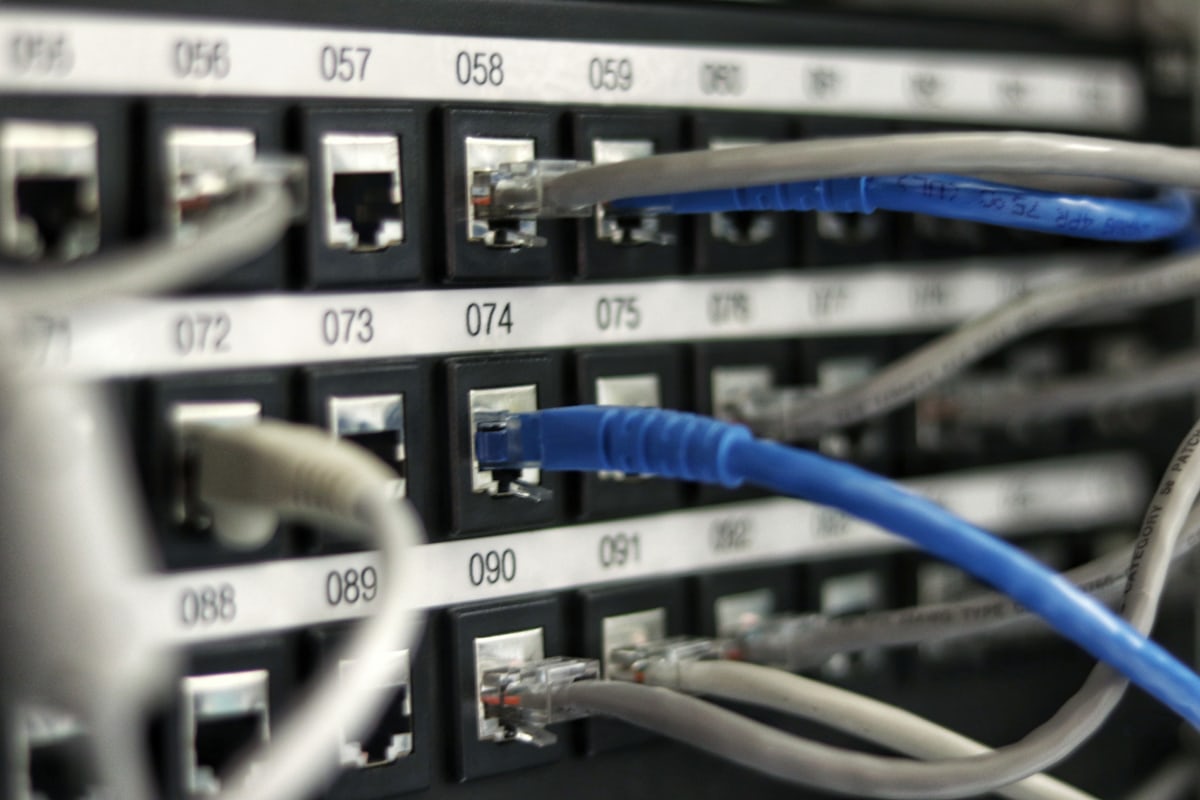
- Sometimes the cleanest fix is a fresh OS.
- This guide covers when a reinstall makes sense, how to prepare so nothing is lost, and how to get back to production in hours instead of days.
Reinstalling the operating system on a dedicated server sounds drastic, but it is often the fastest path out of configuration drift, a failed distribution upgrade, or a suspected compromise. Unlike a VPS snapshot rollback, a bare-metal reinstall wipes the disks — so the difference between a two-hour job and a lost weekend is entirely in the preparation.
When a Reinstall Is the Right Call
- End-of-life OS — your distribution no longer receives security updates and an in-place upgrade is risky.
- Suspected compromise — after an intrusion, only a rebuild from clean media restores trust in the system.
- Years of drift — leftover packages, conflicting repos and manual edits nobody documented.
- Changing the stack — for example moving from a control panel image to a minimal server for containers.
Before You Wipe Anything
Take a complete inventory: list installed packages, dump all databases, export web server and application configs, copy TLS certificates and cron tables, and record DNS, IP and firewall settings. Push everything to off-server storage and verify the archive opens. If downtime matters, lower DNS TTLs to 300 seconds a day in advance so you can shift traffic to a temporary VPS during the rebuild.
Reinstall Methods Compared
| Method | Speed | Control |
|---|---|---|
| Provider control panel reimage | 15–45 min | Preset images, limited partitioning |
| IPMI / KVM with ISO | 1–2 hours | Full control, any OS |
| Network boot (PXE) automation | Minutes at scale | Best for fleets, needs setup |
Partitioning Decisions That Matter Later
A reinstall is your one chance to fix the disk layout. Consider a separate /var or data partition so logs and databases cannot fill the root filesystem, software RAID1 for the OS disks, and LVM if you expect to resize volumes. Choose ext4 for simplicity or XFS for large-file workloads. Leave a small unallocated buffer on NVMe drives to help long-term write performance.
Post-Install: Do Not Skip the Hardening
A fresh OS is also a fresh attack surface. Repeat your standard day-one routine — SSH keys, firewall, fail2ban, monitoring agent, backup job — before restoring application data. Restore from your archives, run your application test suite, then switch DNS back and watch logs for an hour before calling it done.
Why the Suspected-Compromise Case Deserves Extra Caution
When a reinstall follows a suspected security compromise rather than routine maintenance, one additional discipline matters beyond the standard checklist: restoring application code and configuration from the same backups that were active during or after the compromise risks reintroducing whatever vulnerability or backdoor caused the incident in the first place. Before restoring anything, identify (as best as possible) how the compromise likely occurred, confirm the specific fix is applied to the restored system, and treat any restored credentials as compromised by default, rotating them rather than reusing them. A clean OS reinstall that then restores a still-vulnerable application on top of it has not actually solved the underlying problem, only reset the clock on how long until it recurs.
Frequently Asked Questions
Will my IP addresses change after a reinstall?
No. IPs are assigned to the server, not the OS. Your primary and any additional dedicated IPs survive a reimage.
How long does the whole process take?
With good preparation: 15–45 minutes for the reimage plus 1–4 hours to restore and verify. Without preparation, expect days.
Is an in-place distribution upgrade safer?
For one major version step on a well-maintained system, often yes. For anything older or heavily customized, a clean reinstall usually ends up faster and more reliable.
Need a clean start on better hardware? Compare our dedicated server plans or talk to an engineer.


