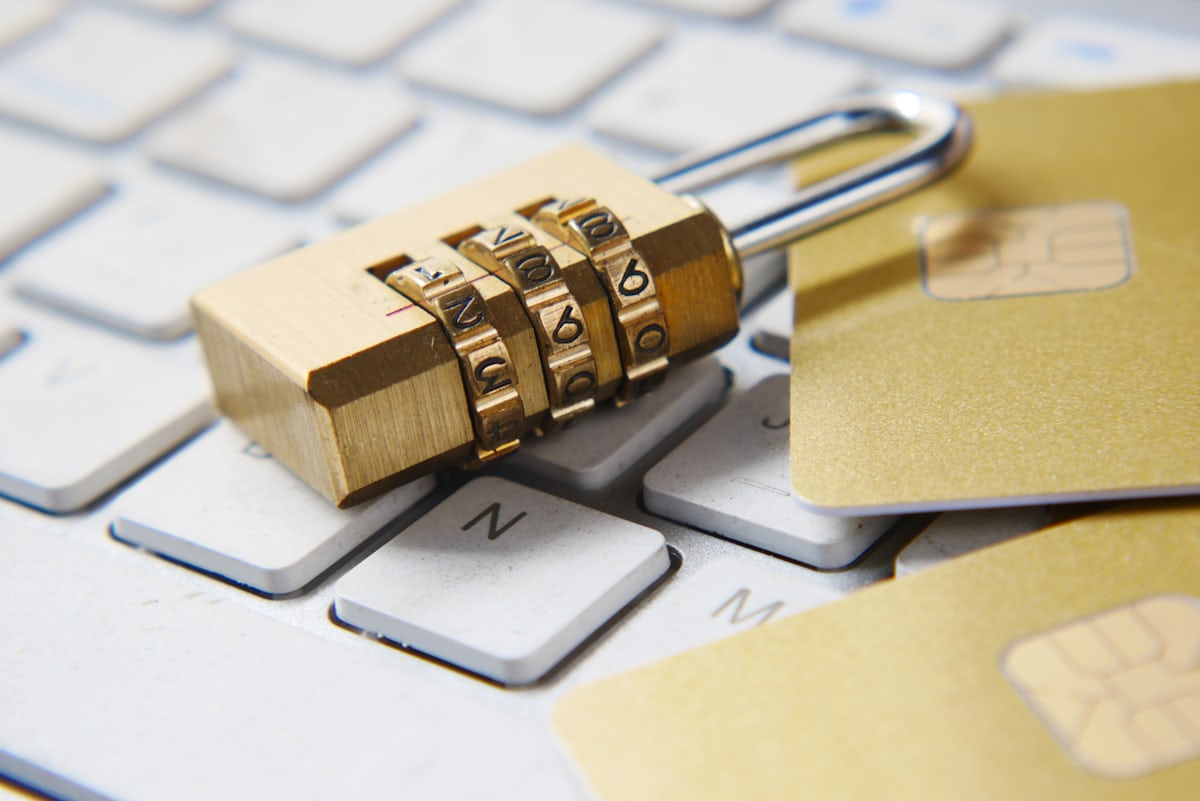
- A leaked password alone should never be enough to break into a business mailbox.
- Here is how to turn on two-factor authentication properly across the platforms Nepali businesses actually use.
Passwords leak — through phishing, reused credentials, or old data breaches unrelated to your business. Two-factor authentication (2FA) means a stolen password alone is not enough to log in; the attacker also needs a code from your phone or authenticator app.
How 2FA Actually Works
After entering a password, the account requests a second proof: a time-based code from an authenticator app (Google Authenticator, Authy), an SMS code, or a physical security key. Authenticator apps are the recommended method — SMS can be intercepted through SIM-swap fraud, which has affected Nepali mobile numbers in real incidents.
Setting Up 2FA by Platform
- Google Workspace: Admin console → Security → 2-Step Verification, enforceable organization-wide by an admin.
- Zoho Mail: My Account → Security → Two-Factor Authentication, supports authenticator apps and Zoho's own OneAuth app.
- Microsoft 365: Admin center → Security defaults, or Conditional Access for granular control.
- cPanel-based webmail: Increasingly supported via two-factor plugins; confirm with your hosting provider.
Rolling It Out Without Chaos
- Start with finance, admin and management accounts — the highest-value targets.
- Give staff a short, written setup guide with screenshots.
- Keep backup codes stored securely in case a phone is lost.
- Set a deadline and enforce it organization-wide rather than leaving it optional.
Why SIM-Swap Risk Makes Authenticator Apps the Better Default in Nepal
SIM-swap fraud — where an attacker convinces a mobile carrier to transfer a victim's phone number to a new SIM card, often through social engineering or an inside contact — has been documented affecting Nepali mobile numbers, and it defeats SMS-based 2FA completely, since the attacker now receives the "second factor" codes directly. An authenticator app generates codes locally on the device itself, tied to the app installation rather than the phone number, which is immune to this specific attack. For any account handling real financial risk (payment gateways, banking, domain registrar access), this is not a minor preference — it is the difference between a genuinely resistant second factor and one with a known, exploited weakness.
Frequently Asked Questions
Is SMS-based 2FA good enough?
Better than nothing, but authenticator apps are meaningfully more secure and cost nothing extra to use.
What if an employee loses their phone?
Backup codes generated at setup allow recovery; admins can also reset 2FA from the console after identity verification.
Should 2FA be mandatory or optional for staff?
Mandatory, enforced organization-wide by an admin policy where the platform supports it — an optional rollout predictably leaves the least security-conscious accounts unprotected, which are often the easiest targets.
Need help enforcing 2FA across your team? See our business email hosting or ask our support team.
What to Do Before a Deadline Forces the Issue
Some platforms and partners are beginning to require 2FA as a condition of continued access (a bank's online portal, a government tender system, a payment gateway's admin panel) rather than leaving it optional indefinitely. Rolling out 2FA proactively, on your own schedule, with time to train staff properly, is meaningfully less disruptive than scrambling to configure it under an external deadline with no preparation time — worth treating as a near-term priority even without an immediate external mandate forcing it.