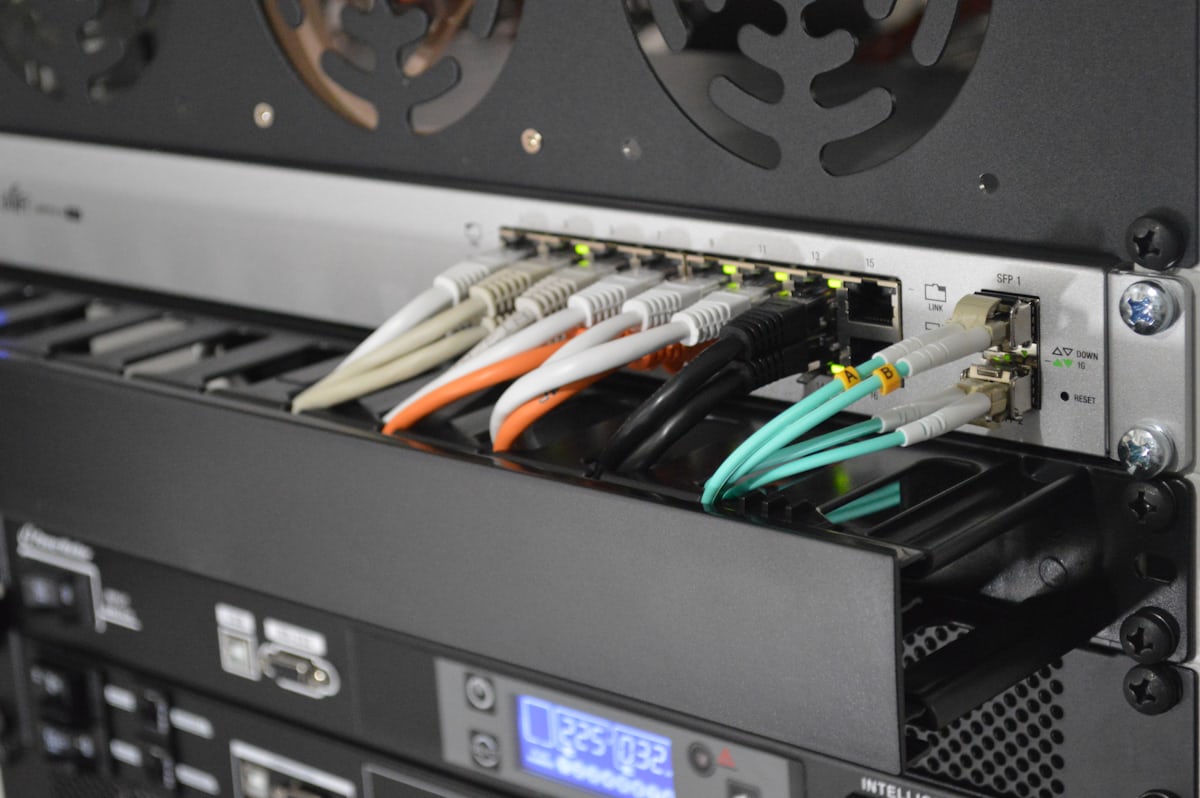
- Nextcloud lets businesses run their own private alternative to Dropbox or Google Drive.
- Here is what a dedicated server deployment actually involves.
Nextcloud is a mature, open-source platform providing file storage, sharing and collaboration — a self-hosted alternative to services like Dropbox or Google Drive, giving businesses full control over where their data physically resides.
Why Businesses Choose Self-Hosted File Storage
- Full data ownership: files remain on infrastructure you control, relevant for privacy-conscious or regulated businesses.
- No per-user SaaS pricing scaling: a fixed server cost regardless of user count, compared to per-seat pricing on commercial platforms.
- Customization: a large plugin ecosystem for calendars, contacts, video calls and more, extending well beyond basic file storage.
- Data residency control: choosing the exact server location satisfies specific compliance or sovereignty requirements.
Sizing a Dedicated Server for Nextcloud
- Storage: the primary sizing factor — plan capacity based on actual expected file volume plus reasonable growth headroom.
- RAM: Nextcloud benefits meaningfully from caching (Redis recommended) for responsive performance with many users.
- CPU: file preview generation and certain apps (video calls, document editing) are more CPU-intensive than basic file storage alone.
- Network: sufficient bandwidth for your expected concurrent upload/download activity, particularly for larger teams.
Basic Setup Approach
- Install via Docker for simplified deployment and updates, a commonly recommended approach for dedicated server installations.
- Configure Redis for caching and a proper database backend (MySQL/MariaDB or PostgreSQL) rather than the default SQLite for anything beyond small trial use.
- Set up automated backups covering both the file storage and the database.
- Configure HTTPS and appropriate security headers from the start.
Honest Trade-offs vs Commercial Cloud Storage
Self-hosted Nextcloud trades the convenience and zero-maintenance simplicity of commercial services for full control and predictable fixed costs — appropriate for businesses with the operational capacity (in-house or via managed hosting) to maintain it, less appropriate for teams wanting to avoid any infrastructure responsibility entirely.
Frequently Asked Questions
How much storage should I provision initially?
Estimate current file volume, add realistic growth projections, and choose expandable storage (allowing future disk additions) rather than a fixed, hard-to-grow allocation.
Is Nextcloud suitable for a small team, or only larger organizations?
It scales down reasonably well — a modestly sized dedicated server or even a capable VPS can serve a small team effectively.
Considering self-hosted file storage? See our dedicated server plans or ask our team for a sizing recommendation.