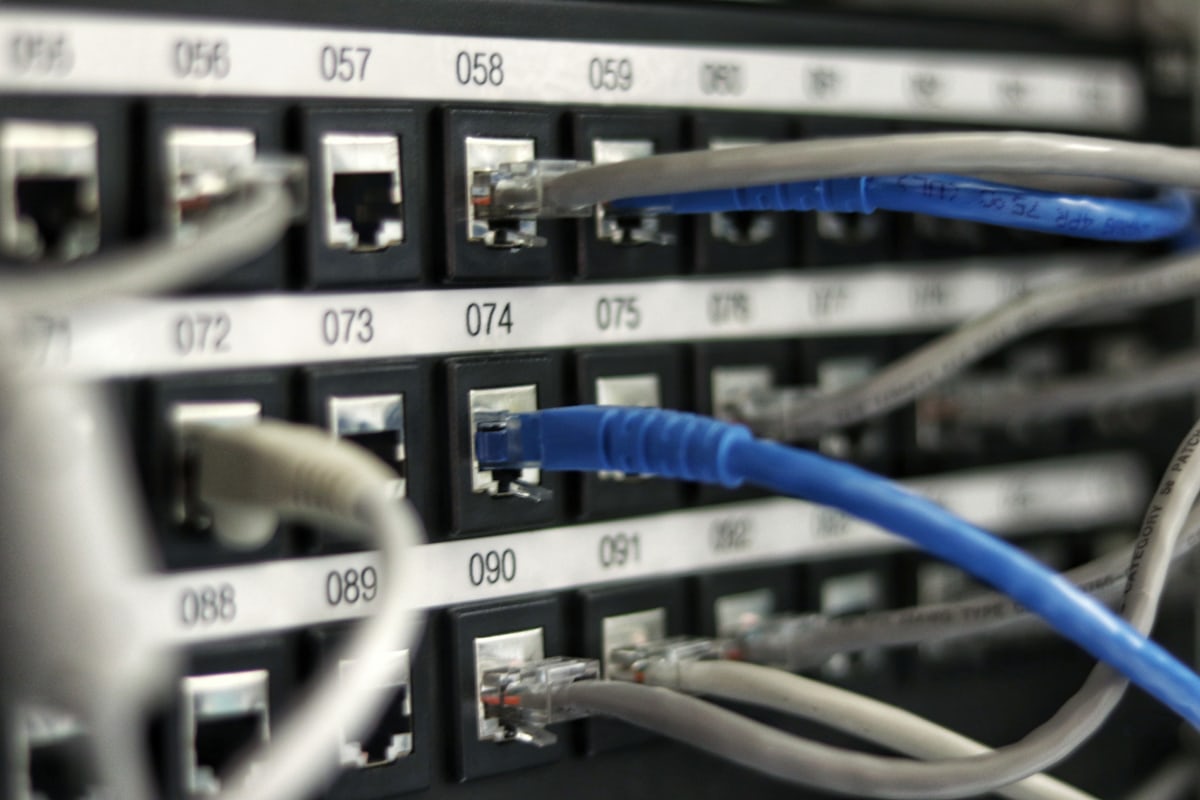
- Running multiple dedicated servers that need to talk to each other over the public internet is both slower and riskier than it needs to be.
- A private VLAN fixes both.
Businesses running multiple dedicated servers — a web server, a database server, a cache server — often default to having them communicate over the public internet, using firewall rules to restrict access. A private VLAN offers a genuinely better approach for infrastructure within the same data center or provider.
What a Private VLAN Actually Provides
A private VLAN (Virtual Local Area Network) creates an isolated internal network segment connecting your servers directly, without that traffic ever traversing the public internet — invisible and inaccessible to anything outside your own private network segment.
Why This Matters
- Security: internal traffic (database queries, internal API calls, replication data) never faces public internet exposure, removing an entire category of attack surface.
- Performance: private network paths within the same data center are typically faster and more consistent than routing through the public internet, even to a server physically nearby.
- Simpler firewall rules: internal services can trust the private network more readily, reducing complex public-facing firewall rule management.
- No public bandwidth consumption: internal traffic on a private VLAN typically does not count against public bandwidth allocations.
Common Architecture Using Private VLANs
- A public-facing web server accepting internet traffic, connected to the private VLAN.
- A database server accessible only via the private VLAN, with no public IP or public-facing firewall rule at all.
- A cache or internal API server similarly isolated, communicating only over the private segment.
A Concrete Before/After Example
Consider a typical two-server setup: a web application server and a separate MySQL database server, originally configured with the database's public IP whitelisted only for the web server's public IP address. This works, but it means database traffic — including query results, potentially containing customer data — travels over the public internet on every single request, and the database's public IP remains a real, if firewalled, attack surface that automated scanning tools will still probe continuously. Moving the database onto a private VLAN and removing its public IP entirely eliminates that exposure altogether: there is no public address for an attacker to target in the first place, and every query now travels over the data center's internal network exclusively, typically with lower and more consistent latency than the public path it replaced.
Setting One Up
- Confirm your hosting provider offers private networking or VLAN capability between your servers — a common feature among providers offering multiple dedicated servers to the same customer.
- Configure a private network interface on each server, distinct from the public-facing interface.
- Update application configuration (database connection strings, internal API endpoints) to use the private network addresses.
- Remove unnecessary public-facing firewall rules for services that no longer need public exposure.
Frequently Asked Questions
Does a private VLAN cost extra?
Some providers include it free with multiple servers on the same account; others charge a modest fee — confirm with your specific provider.
Is a private VLAN the same as a VPN between servers?
Conceptually similar in goal, but a provider-offered private VLAN is typically simpler to configure and often faster, since it operates within their own network infrastructure rather than routing through the public internet with encryption overhead.
Can servers in different data centers share a private VLAN?
Generally no for a standard private VLAN offering, which is typically scoped to a single data center or facility — connecting servers across different physical locations privately usually requires a dedicated interconnect or VPN solution instead.
Running multiple dedicated servers? See our dedicated server plans or ask our team about private networking options.